 WEB WORKSPACE
Ads Lab
Build Google Ads and Meta campaigns with X. From your brief to a reviewed launch.
AI assistant · Google Ads · MetaOpen Ads Lab
Turn ideas into campaigns. Give every profile its own space.
Two focused tools. One Prototype X account.
WEB WORKSPACEBuild Google Ads and Meta campaigns with X. From your brief to a reviewed launch.
Organize browser profiles, save your sessions and work together with your team.
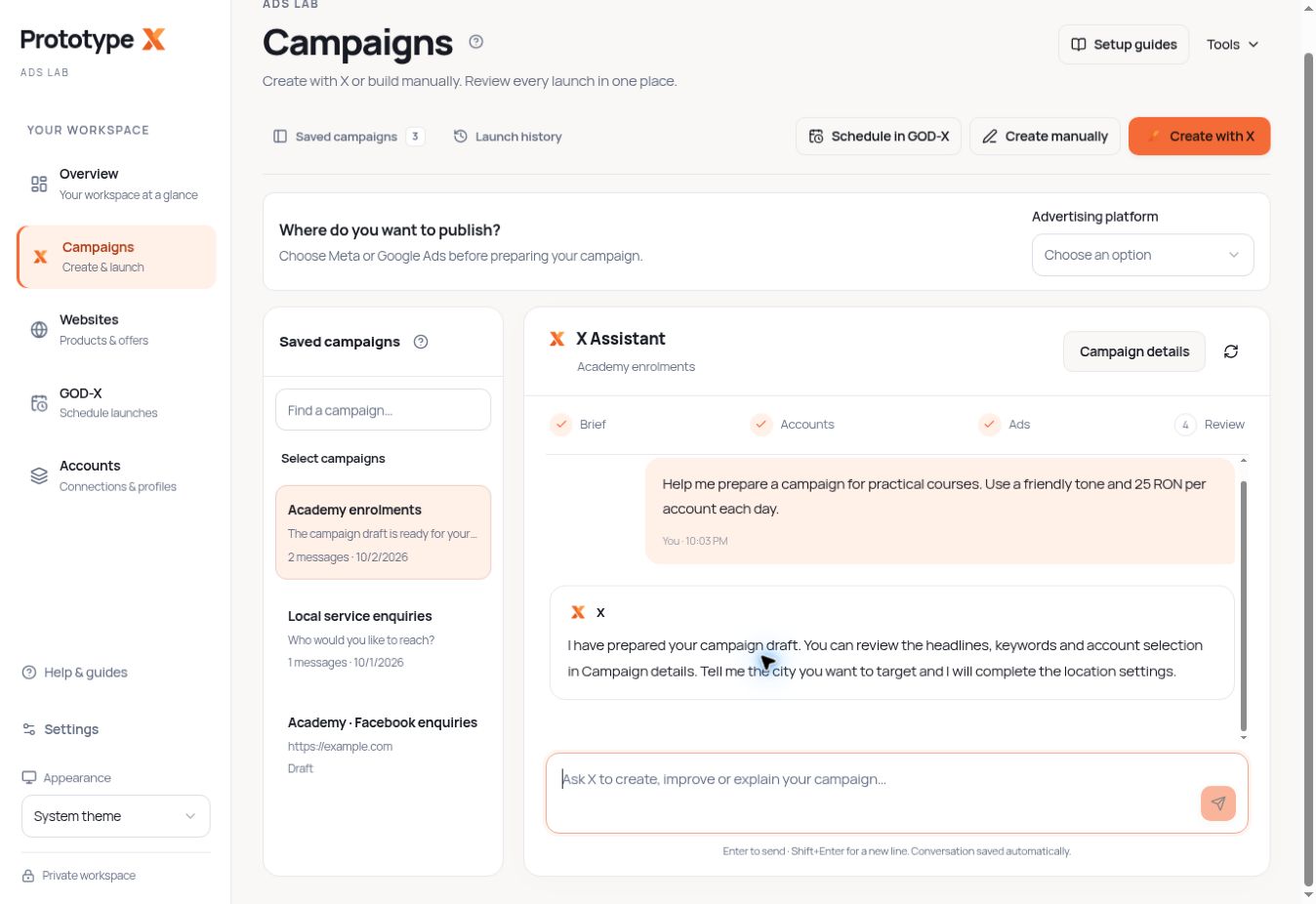
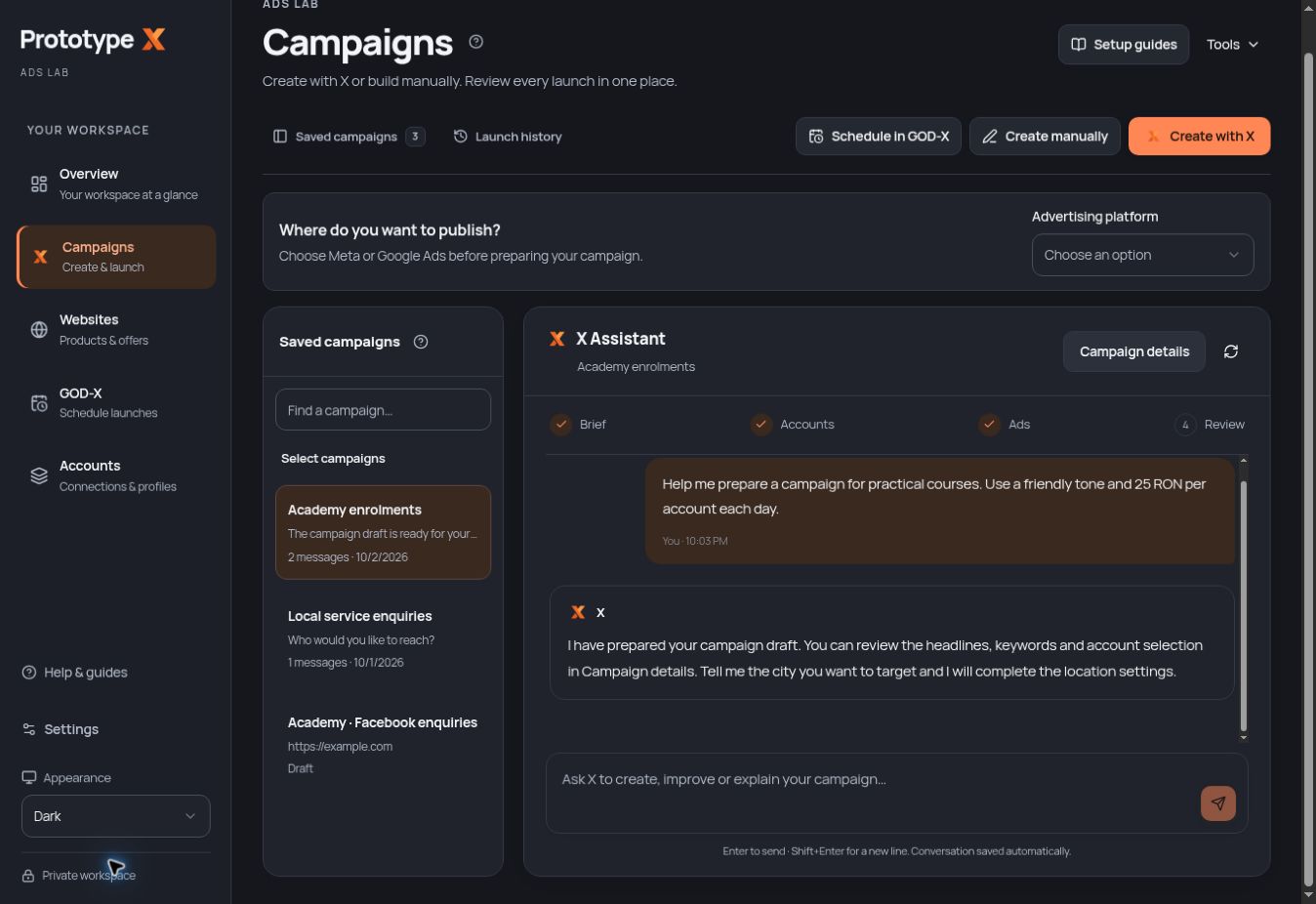
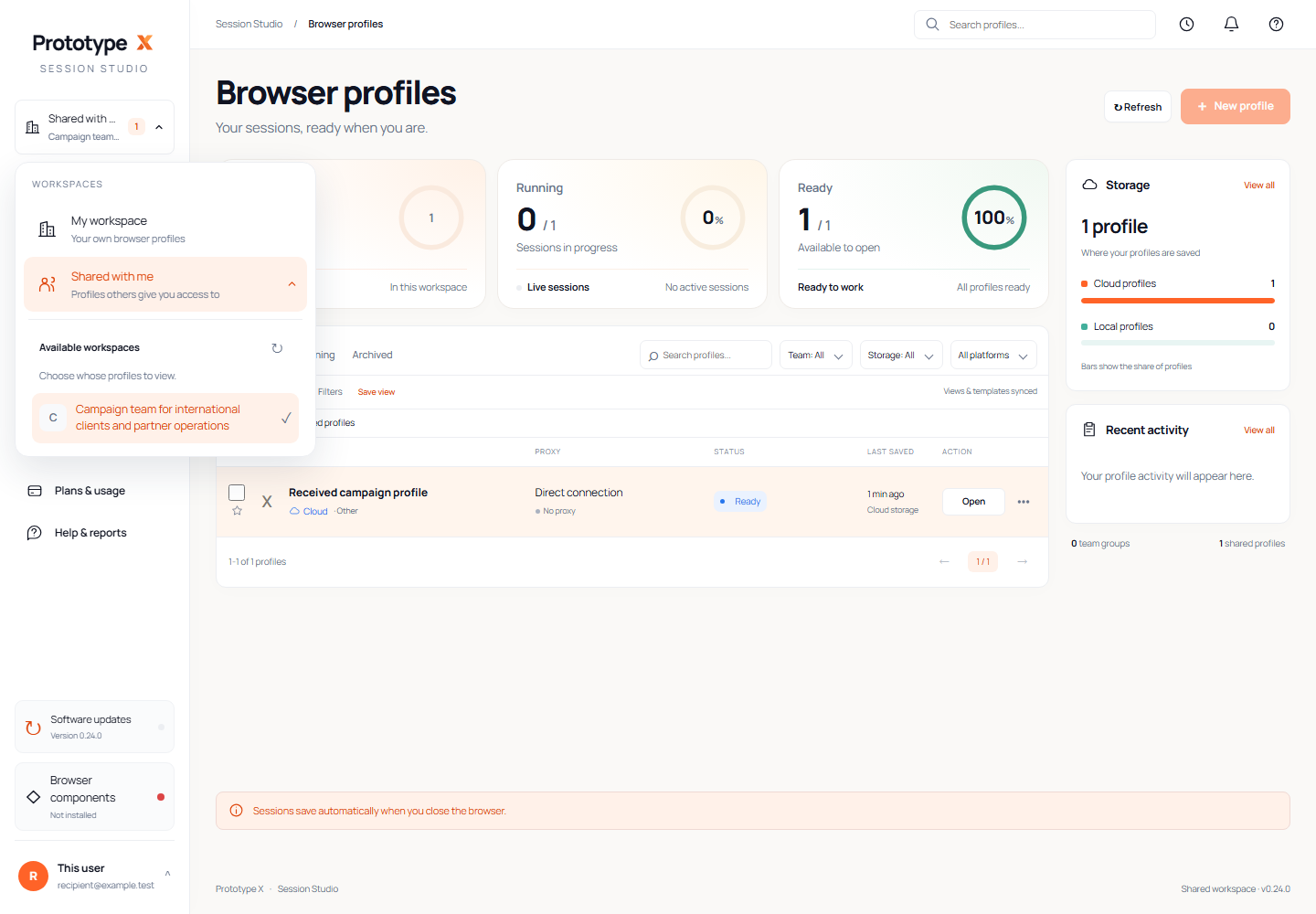
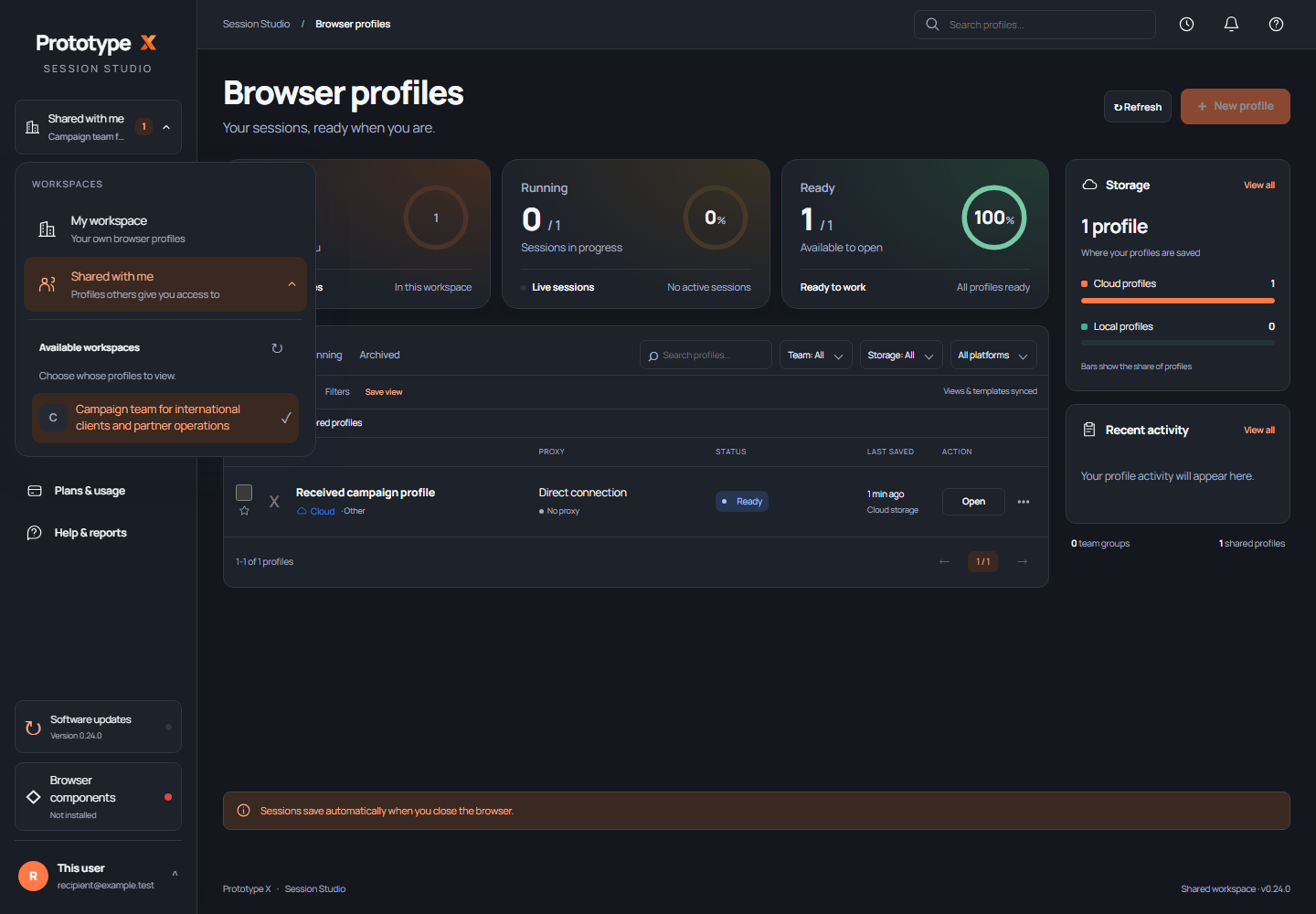
Actual product interfaces with sample data.
Built around the
platforms you work with.
 Google Ads
 Meta
A simpler workspace, clearer team access and a better view of what’s happening. Explore recent Prototype X improvements.
Get the Windows updateMy workspace and Shared with me now live together. Choose a team workspace and see only the profiles you have permission to use.
Explore Session StudioCreate your team, select specific cloud profiles and assign a role. Access requests, approvals and revocation keep sharing under your control.
Smoother activity charts, readable profile indicators and redesigned Plans & usage. Storage shows where profiles are saved; profile limits show your actual plan allowance.
Unlimited is shown only where the workspace’s access allows it.Review the Terms & EULA and Privacy Policy when creating your account. Find company details, cancellation, refund and data-deletion information in one legal centre.
Read our policiesReview observed browser signals, compare them with a baseline and check measured stability. See which results are available and which still need inspection.
Includes browser environment, language, time zone and canvas, audio and WebGL observations.Users & activity brings user details, status, usage and activity together. Review customer reports, manage their status and priority, and handle account suspensions with recorded reasons.
Administrative controls are restricted to authorized super administrators.Released October 4, 2026. Features depend on your plan, workspace permissions and connected services. Advertising platform authorization and review still apply.
01 / ADS LABYOUR AI CAMPAIGN WORKSPACEMeet X. Your thinking partner for the work between an idea and a campaign ready for review.
Start with Ads LabStart with your website, offer and audience. Ask X to research your page or work from the details you provide.
Develop headlines, descriptions and campaign variations in a conversation. Refine the draft without starting over.
Choose Google Ads or Meta, review your accounts, creative and budgets, then approve publication when you’re ready.
Your workspace, at a glance.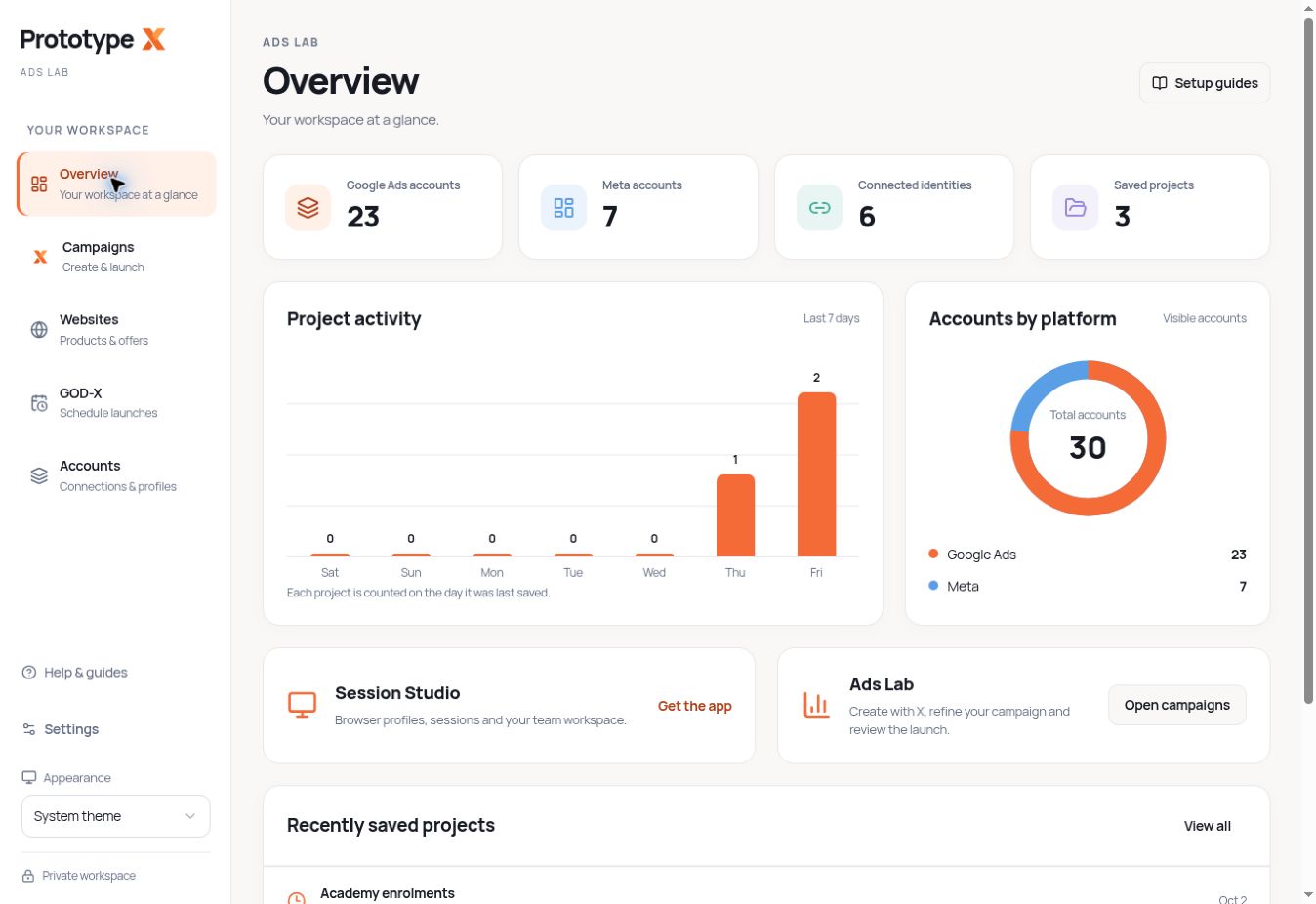
A short walkthrough from a new account to a reviewed campaign. Choose a step to see what to do.
Choose Create account, enter your name and email, and set a password. Follow the prompts to secure your account with an authenticator app, then open your workspace.
Already have a Prototype X account? Sign in with your existing email.
Create your accountIn Ads Lab, open Accounts and connect Google or Meta. Complete the platform’s authorization steps, then sync and select the advertising accounts you manage.
You need the relevant permissions on each advertising account. Your advertising spend stays with the platform.
Open Ads LabStart a campaign and tell X what you’re promoting. Add your website, audience, location and budget. Review the suggested copy, ask for changes and complete the campaign settings.
A useful first message: “Help me build a campaign for my offer. My audience is… and my daily budget is…”
Build your first draftReview the destination, creative, targeting, accounts and budget. Resolve any required fields, check the launch status, and approve publication. Revisit the results to check campaign status.
Your approval comes before publication. Ad platform review and delivery requirements still apply.
Go to your workspaceA calm, organized home for the browser profiles, sessions and team access behind your everyday work.
Download Session StudioSwitch between My workspace and Shared with me. Filter your profiles, save views and keep personal work separate from profiles shared by a team.
See total, running and ready profiles at a glance, with clear plan usage and cloud versus local storage. Browser sessions run on your computer.
Create a team, choose the cloud profiles to share and assign Guest, Operator, Editor or Manager access. Review requests and revoke access when needed.
Find the right fit for your workspace. Choose your capacity, then your payment method. Start free or upgrade right here.
Compare every featureNeed more people? Add members for $5 each per month on Pro X and above.
The owner counts as a member. Extra members change the Pro X, Team X and Agency X totals only. This calculator does not start a subscription.
FOR INDEPENDENT WORK
Your profiles. Your own workspace.
$9/ month
1 included member · owner included
1 member
Select your payment method next
SHARING STARTS HERE
More profiles, with room to collaborate.
$24/ month
3 included members · owner included
3 members
Select your payment method next
FOR GROWING TEAMS
Bring your everyday team together.
$59/ month
5 included members · owner included
5 members
Select your payment method next
FOR LARGER OPERATIONS
More capacity across your team.
$119/ month
10 included members · owner included
10 members
Select your payment method next
Prices are per workspace in USD before applicable taxes. Annual base plans save 20% against 12 monthly payments. A valid Bangkok code takes 20% off the first month of a monthly base plan only; it does not apply to annual billing. Extra members are $5/month or $60/year each, without discounts. Profile totals already include the first three profiles. Your final amount and renewal terms are shown before you pay. Download Session Studio.
Monthly or annual subscription through Stripe. Automatic renewal, with cancellation from your billing account.
Availability checked at checkoutPrepay one month or one year with USDC or USDT. Track your payment automatically and renew when you choose.
Monthly or annual prepaid · No automatic debit$0/ month
Use installed Google Chrome or Microsoft Edge.
Local session storage. One open profile per device.
| Feature | Free X | Solo X | Pro X | Team X | Agency X |
|---|---|---|---|---|---|
| Total profiles | 3 | 10 | 50 | 200 | 500 |
| Members, owner included | 1 | 1 | 3 | 5 | 10 |
| Installed Chrome / Edge | Included | Included | Included | Included | Included |
| Identity Chromium | Not included | Included | Included | Included | Included |
| Encrypted cloud session sync | Local only | Included | Included | Included | Included |
| Profile sharing | Not included | Not included | Included | Included | Included |
| Bulk opening and closing | Not included | Not included | Included | Included | Included |
| Extra members | Not available | Not available | $5 / month each | $5 / month each | $5 / month each |
Profiles run on your computer. Free X allows one open profile per device. Paid plans remain subject to device limits; total profile capacity is not the number you can open at once.
Your workspace total includes local and cloud profiles, with the same profile counted once. Archived profiles keep their slot; deleting an unused profile releases it. The advertised total includes your first three profiles, so Solo X with 10 profiles means 10 in total.
Free X uses Google Chrome or Microsoft Edge installed on your computer. It keeps browser sessions locally and includes one member and one open profile per device. Identity Chromium and cloud session sync are included in Solo X and above; sharing and bulk opening start with Pro X.
A Prototype X super administrator can grant any paid package at no charge for an internal team or for testing, with an expiry date or without one. Access can be changed or withdrawn. A grant does not start a subscription or automatically turn into a paid plan. It applies to the selected workspace and does not automatically share private profiles.
Saved profiles are kept. Your underlying plan applies again, so new profiles and paid features may be limited. Running sessions can finish saving. Existing pilot workspaces keep their current access; Free X is the starting plan for new workspaces.
Yes. Choose a plan above, then select a payment method in our checkout. It shows which methods are currently available. Sign in with your existing Prototype X account and choose the workspace to upgrade. No payment is taken when you select a plan.
Card subscriptions use Stripe and renew monthly or annually until canceled. Eligible wallet options appear in Stripe checkout when supported by your device and region. Crypto prepays one or 12 calendar months using USDC on Polygon, Solana or Ethereum, or USDT on Tron or Ethereum, with no automatic debit. The crypto checkout provides your exact amount, network, QR code and transaction status.
Open Payments & receipts to find your payment status, receipts and available invoices. Access activates after the payment is confirmed. A pending or test payment does not activate a paid subscription.
Choose your desktop installer. Organize browser profiles, keep sessions separate and collaborate with your team on eligible plans. Sign in with your Prototype X account to get started.
Start with Free X and three browser profiles. Compare plans and features.
Create your Prototype X accountPrototype X for Windows
 View the Microsoft Store listing
Version 0.24.29 · Windows x64 · 246 MB
Released November 18, 2026. Digitally signed by NextWave Digital Solutions LLC using Microsoft Artifact Signing.
Updated in 0.24.29: shared browser profiles can move between Windows and Mac. Update both computers, then close the profile and wait for cloud saving to finish before opening it on the other computer.
Download EXE How to verify the publisherDownload the Apple Silicon pilot directly from this website. Sign in with your Prototype X account after installation.
Sharing profiles between Windows and Mac
Update both computers before opening shared profiles: Windows 0.24.29 or later and Mac 0.24.29-mac.1 or later. Use the standalone Windows installer on this page if Microsoft Store has not offered this version yet. Close the profile and wait for cloud saving to finish before switching computers.
First launch on Mac
This pilot is not yet notarized by Apple. If you see “Prototype X” Not Opened, choose Done, then follow the installation steps below to approve this app in Privacy & Security.
Find your Mac’s chip in the Apple menu → About This Mac.
M-series Macs, including MacBook Air and MacBook Pro.
Installer in preparationDownload for Apple SiliconMacs with an Intel processor. The Apple Silicon installer is not compatible.
Not available yet. Installation testing is pending.Download for IntelUse these steps for the pilot downloaded from prototypex.ai. This approves Prototype X individually. Read Apple’s instructions.
No Open Anyway button? Try opening Prototype X from Applications again, then return to Privacy & Security. On a managed Mac, installation may require your administrator’s approval.
Updates: download the latest DMG from this page. Close your profiles and let saving finish before replacing the app.
Use the Create account button at the top of this page or open the sign-up page. Enter your details, set up an authenticator when prompted, then open your own workspace. Existing users can sign in with the same Prototype X account.
Ads Lab is the web workspace for AI-assisted Google Ads and Meta campaigns. Session Studio is the desktop app for separate browser profiles and sessions. Use either product for the work you need; you do not need to install Session Studio to open Ads Lab.
You review and approve publication, or review and activate a GOD-X schedule for later execution. Check the creative, destination, targeting, budget, connected account and launch status before proceeding. Campaigns remain subject to the advertising platform’s review and delivery requirements.
Yes. Connect the Google or Meta identity that has access to the accounts you manage. The permissions granted by each platform determine which accounts and actions are available. Creating a Prototype X account does not grant access to another team’s accounts or profiles.
Install Prototype X Session Studio from Microsoft Store, where the publisher is listed as NextWave Digital Solutions LLC. You can also get the digitally signed standalone Windows x64 installer, version 0.24.29, from our download section. For a Mac with Apple Silicon, download the Mac pilot directly from this website. Intel is still in preparation. Installation instructions are included beside the Mac download.
Open Software updates in the app. Store installations update through Microsoft Store. Standalone EXE installations download approved updates in the background and offer a restart when ready. For the Mac pilot, download the latest DMG from the Mac section and replace the application. Close your profiles and let cloud saving finish first. Read the update guide.
The Microsoft Store listing shows PEGI 3, an age classification for the app’s content, with the descriptor Unrestricted Internet. Websites opened in browser profiles can contain material outside that rating. PEGI is an age rating, not a security certification. Ratings may vary by region. Learn about PEGI ratings.
The Session Studio web preview lets you explore the interface. Browser sessions run in the installed desktop application on your computer. Access to shared profiles depends on the permissions assigned in your workspace.
Already part of Prototype X? Sign in